Awaiting approvalby Youssef Adel
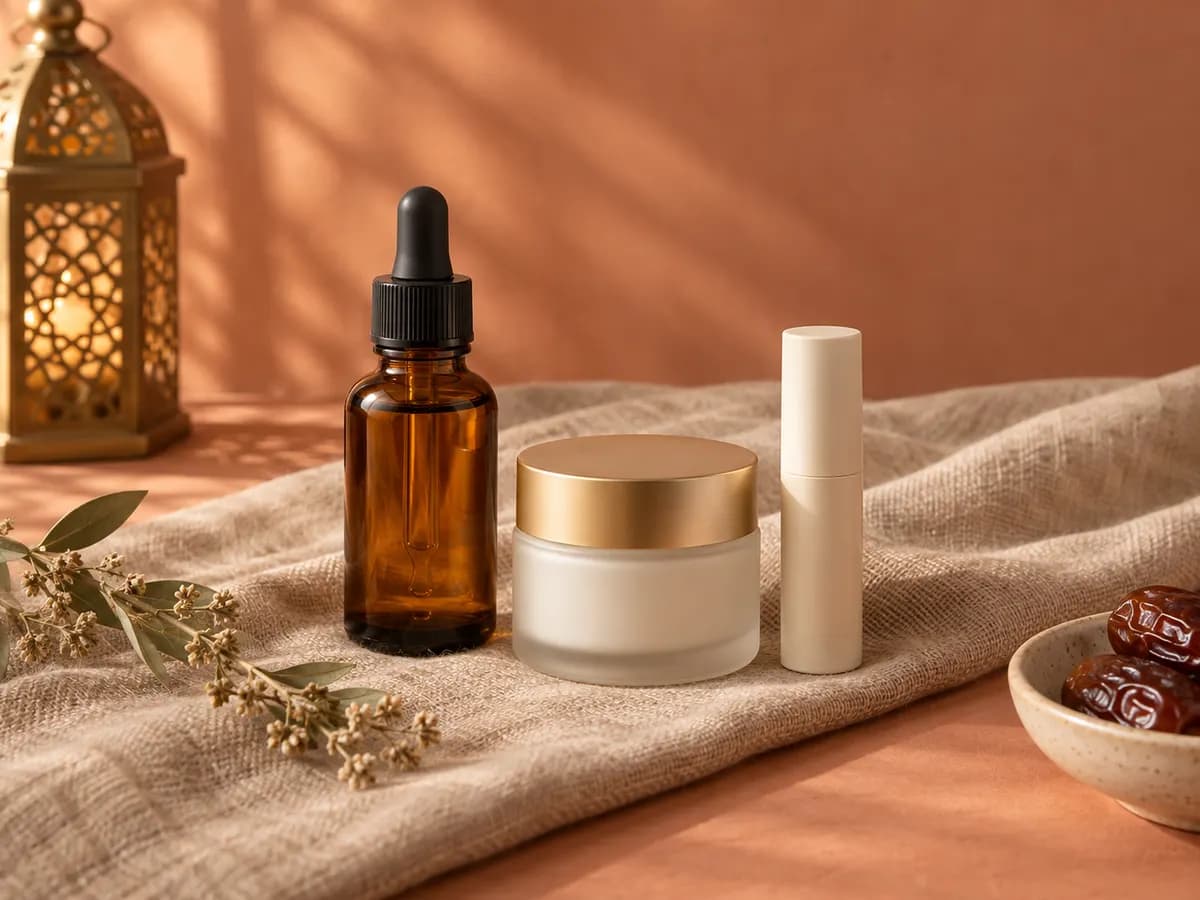
The glow bundle is back: serum, cleanser and SPF for 780 EGP. Now delivering to Alexandria in 2–3 days. Comment “price” and we will message you the details.
We are adding YouTube to Zakio: upload once, set the title and description, and schedule it with your other posts.
No date yet. Leave your email in the contact form and we will write to you when it opens.
Nour Beauty
FBSample, nothing is postedThe glow bundle is back: serum, cleanser and SPF for 780 EGP. Now delivering to Alexandria in 2–3 days. Comment “price” and we will message you the details.
Weekend offer: buy the glow bundle and get the rose lip balm free. Ends Saturday at midnight.
Rose serum restock this Thursday. Gentle enough for sensitive skin, and the first 50 orders get a free travel-size cleanser.
YouTube
Coming to Social Zakio
Coming soonThis is what we are building. Nothing here works yet.
Upload vertical Shorts and regular videos to your channel.
Write the YouTube details for each upload, separate from your Facebook caption.
Choose when the video goes public, on the same calendar as your other posts.
Choose the frame or image viewers see before they press play.
Sign in with Google inside Zakio and pick your channel.
Upload a video in the composer.
Add the YouTube details, then publish or schedule.
We haven’t set a date. Leave your email in the contact form and we will tell you when it opens.
Yes, that is the plan: Shorts and regular videos both go to your channel.
Start today
Start free, no credit card. Connect one page and see which comments your first rule answers.